
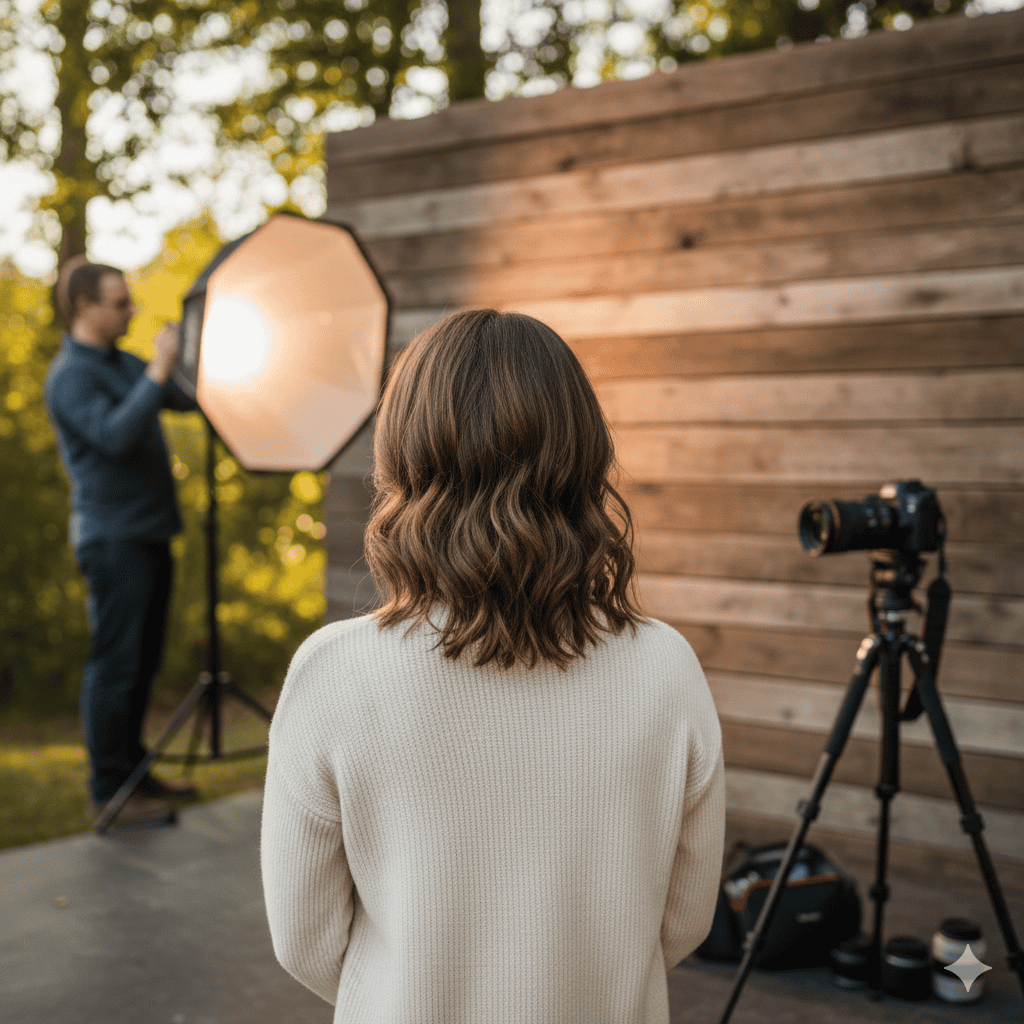
Portrait photography tips for beginners should make photographing a person feel simpler, both for you and for the person in front of the camera. A comfortable subject, clear light, and accurate focus often contribute more than an expensive lens.
Begin with one person, one useful light source, and a quiet background. This guide shows you how to build that setup, choose adaptable settings, give clear directions, and check the result before the moment disappears.
Table of Contents
Portrait Photography Tips for Beginners: A Simple Setup
Ask someone who is comfortable being photographed to stand near a large window with indirect daylight. Switch off nearby lamps if they introduce an unwanted color. Place the person at an angle to the window, then move until the eyes are clearly lit and the background feels simple.
Start with Aperture Priority around f/2.8–f/4 if your lens allows, or use the widest available aperture on a kit zoom. For a fairly still adult, try a shutter speed around 1/250 second and adapt after inspection. Let ISO rise when needed. On a phone, start with normal Photo mode and compare Portrait mode afterward.
1. Make the person comfortable first
Explain the type of picture you want and show a test image when helpful. Ask whether they prefer standing or sitting. Give one instruction at a time instead of asking for a complicated pose all at once.
Small actions produce natural changes: turning toward the window, looking past the camera, or taking a slow breath. Leave room for their own expression. Ask permission before sharing photographs publicly, and respect a request to delete an unflattering image. Good communication is part of making a good portrait.
2. Look for soft light, then choose its direction
A large window close to the subject can provide soft light when direct sunlight is not striking the face. Outdoors, the edge of open shade can work similarly. Check where the eyes catch light and whether the shadows support the expression.
Direction and softness are different properties. Light from the front is not automatically soft, and side light is not automatically harsh. Move the person or camera gradually and watch the shadows on the nose and cheeks. This teaches more than copying a lighting label without observing its effect.
3. Simplify what sits behind the face
Scan for poles, bright signs, strong lines, and objects that appear to grow out of the head. Move sideways or change your camera height to separate the subject from those distractions.
A blurred background is one option, not a requirement. An environmental portrait may need a recognizable workshop, home, or street. Decide which details explain the person and which compete with them. When you want more separation, increase the distance between the person and the background while maintaining a suitable camera-to-subject distance.
4. Choose a comfortable shooting distance
Very close camera positions can exaggerate the apparent size of the nose relative to the ears. Step back if a tight portrait looks distorted, then use a longer focal length or crop moderately to restore the framing.
A standard zoom is enough to explore this. For a head-and-shoulders portrait, try its longer end when space allows. On a phone, compare the main camera from farther away with any suitable longer camera your device provides. Do not assume every zoom button represents a separate optical lens.
5. Use aperture to keep enough of the person sharp
A wide aperture can soften the background, but an extremely shallow depth of field may leave one eye or part of the face outside acceptable focus. Around f/2.8–f/4 is a useful experiment for a single person, not a universal prescription.
For two people, try to keep their faces at similar distances from the camera. With several rows, you may need a smaller aperture and more light. Inspect the nearest and farthest faces rather than assuming that f/5.6 always covers a group. Focal length, distance, sensor format, and output size all affect the result.
For more about controlling depth of field, see Nikon’s guide to shutter speed and aperture.
6. Put focus where the viewer will look
Reliable eye detection can be helpful, but check that the camera selects the intended person. With a turned face, the nearer eye is often a sensible focus target. If both eyes need to look sharp, select enough depth of field rather than relying on autofocus alone.
Use single autofocus for a genuinely still subject, or continuous autofocus when the person changes distance. A child rocking forward can move out of a shallow focus zone even without taking a step. See Autofocus Modes Explained for the distinction between focus mode and focus area.
7. Protect the expression with enough shutter speed
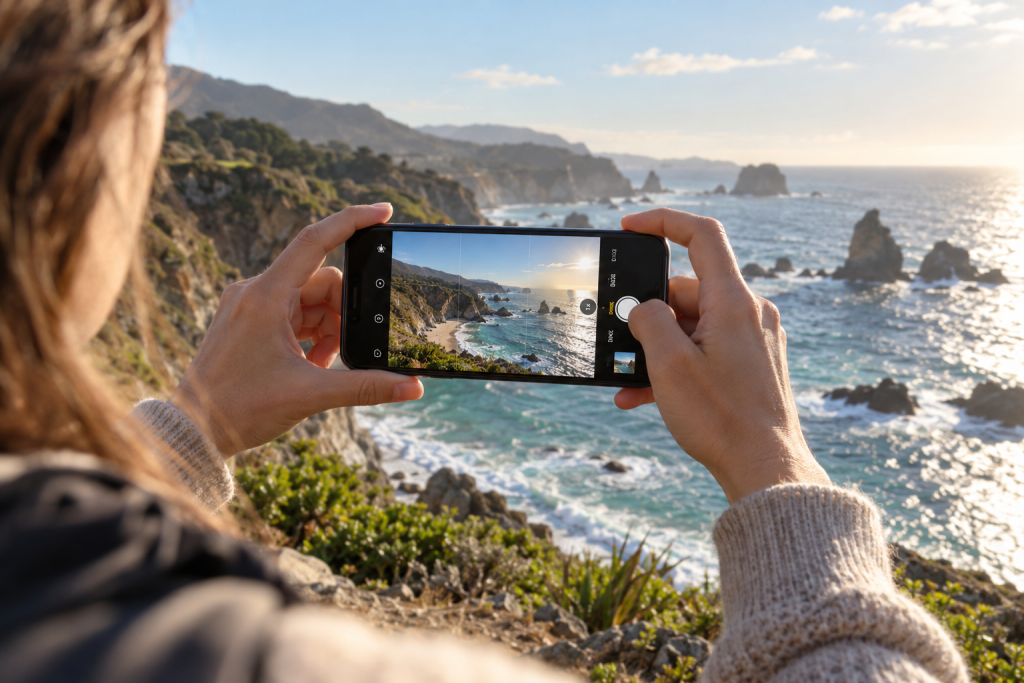
A smile, a laugh, and a turn of the head all involve motion. Try a faster shutter speed when expressions look soft, even if the camera itself feels steady. Around 1/250 second may suit a calm adult; walking or lively movement may need 1/500–1/1000 or faster, depending on the situation.
Stabilization helps with camera movement, not subject movement. If the light is limited, move closer to a useful light source, open the aperture if depth of field allows, or raise ISO. Diagnose the actual blur before changing everything.
8. Give specific, gentle posing directions
Replace “look natural” with something the person can do: “turn slightly toward the window,” “let your shoulders drop,” or “look just beside the lens.” Check hands, posture, and the edges of the frame without making the subject feel examined.
Photograph the moments between instructions. Make a few variations rather than holding one pose until it becomes stiff. A direct, centered portrait can be powerful; an off-center composition is another choice. The expression and relationships within the frame matter more than obeying one composition rule.
9. Keep exposure and skin color believable
Metering can be influenced by a very bright background or dark clothing. Check the face and use exposure compensation when an automatic mode renders it inappropriately. Preserve important highlights without assuming every skin tone should have the same brightness.
Mixed lighting can put different color casts across the face. When possible, simplify the light rather than correcting every patch later. Use a consistent white balance under stable conditions and review skin alongside neutral objects. Skin texture should remain visible after noise reduction and retouching.
10. Learn flash after a simple natural-light setup
Flash can help when available light is insufficient or you want more control. Direct flash can also be a deliberate style; it is not automatically a mistake. A bounced flash can produce a broader effective source when the nearby surface is suitable, though colored walls can change the light’s color.
Before experimenting, learn your camera’s flash synchronization limits and the behavior of the flash system you use. For a first portrait session, keeping the light simple gives you more attention for expression and focus.
A 15-minute portrait exercise
Spend five minutes making a window-light portrait with a simple background. Then move the person slightly farther from the window and compare the shadow and brightness changes. Adjust exposure rather than assuming the initial settings remain correct.
For the last five minutes, keep the lighting stable and make three framings: close, head-and-shoulders, and a wider environmental portrait. Ask which image the subject likes and why. Review sharpness in the eyes, distracting background objects, and whether the pose feels comfortable.
Troubleshooting common problems
- Eyes soft, hair sharper: check the selected focus area and whether the person moved after focus locked.
- One face in a group soft: align people more closely in distance or increase depth of field, then test again.
- Face dark against a window: reposition for a different light direction or adjust exposure for the intended result.
- Background still distracting: change viewpoint or distance before opening the aperture further.
- Skin looks plastic: reduce smoothing, sharpening, and noise reduction; compare with the original.
Frequently asked questions
Can I make good portraits with a kit lens?
Yes. Use useful light, a comfortable shooting distance, and a clean background. The maximum aperture may limit background blur, but it does not prevent expressive portraits.
Must both eyes always be perfectly sharp?
That depends on the intended image. For a straightforward beginner portrait, making both eyes acceptably sharp is a useful aim when both are visible. Deliberate selective focus is a creative choice, not a rule to apply accidentally.
How should I edit a portrait?
Start with white balance, exposure, and a modest crop. Keep texture and characteristic features intact. For camera controls, read Camera Settings for Beginners; for phone-specific techniques, continue with Smartphone Photography Tips.
7 thoughts on “Portrait Photography Tips for Beginners: Light, Focus and Posing”