
Tripod photography tips for beginners can help you make sharper photographs in low light and explore creative techniques that are difficult to capture handheld. But buying a tripod is only the first step: where you place it, how you mount the camera, and which settings you choose all affect the result.
This guide explains how to select and set up a tripod, prevent camera shake, focus accurately, photograph long exposures, and use stable support for better compositions. You will also learn when a tripod is unnecessary and how to avoid common mistakes.
Table of Contents
What a Tripod Actually Does
A tripod holds the camera in a consistent position so that your hands do not introduce movement during exposure. It is especially helpful for slow shutter speeds, repeatable compositions, careful framing, and techniques that combine several frames. It does not automatically make every photograph sharper: subject movement, inaccurate focus, wind, and a poorly secured tripod can still produce blur.
Tripod photography tips for beginners start with one distinction: camera movement and subject movement are different problems. A tripod can reduce the first. To freeze a running person or swaying branch, you still need a shutter speed appropriate for the subject. Think of the tripod as a stable platform, not a substitute for exposure decisions.
When Should You Use a Tripod?
Use a tripod when shutter speeds become too slow to handhold reliably, when you want to keep ISO low in dim light, or when you need a precise composition. Cityscapes at twilight, landscapes before sunrise, architectural interiors, product photographs, and close-up studies are familiar examples. A tripod also helps you compare camera settings because framing stays constant.
A tripod is not essential for every photograph. It can slow you down during street photography or make moving subjects harder to follow. In busy public places, tripods may be restricted or create a hazard. Check local rules and prioritize safe, considerate placement over getting a particular shot.
How to Choose a Tripod for Your Camera
Choose a tripod that can support the combined weight of your camera, lens, and accessories with a comfortable margin. Manufacturer load ratings are useful but not directly comparable across brands; stability in wind and with a long lens matters more than a headline number. Check leg rigidity, locking mechanisms, maximum height, folded size, and how easy it is to carry.
A ball head is compact and quick for general photography. A three-way head provides separate adjustments for precise alignment, while a fluid head is designed for smoother video movements. The best choice depends on what you photograph. A tripod you actually bring is more useful than an exceptionally heavy model that stays at home.
Before buying, test whether the camera remains steady when you gently touch it, whether the head creeps after tightening, and whether you can operate the controls with gloves if needed. Avoid relying on a fully extended center column for every photograph.
Set Up Your Tripod on Stable Ground
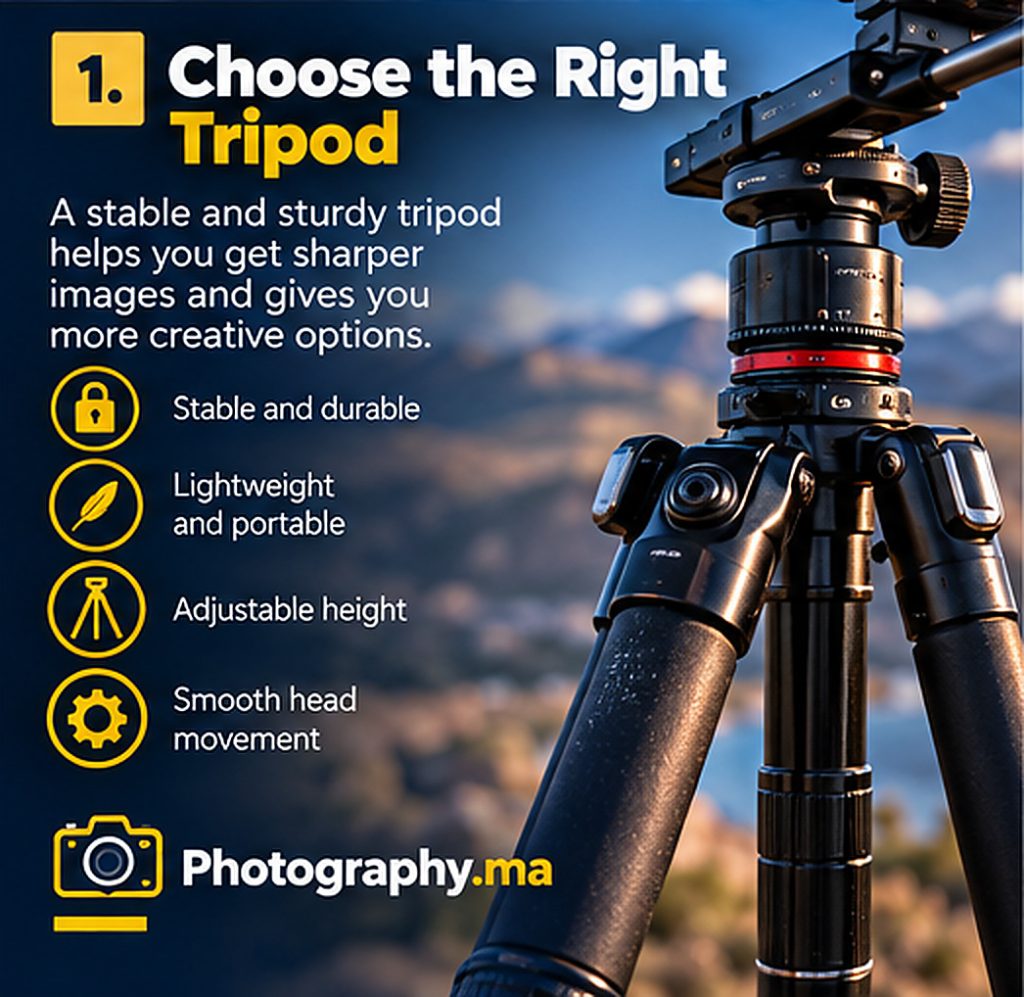
Spread the legs fully and place each foot on secure ground. Extend thicker leg sections before the thinner sections where the design allows; the thickest sections generally offer more rigidity. Adjust individual leg lengths on uneven terrain so the head is approximately level. Never balance a tripod on loose rocks, unstable walls, or a walkway where people may trip.
Keep the center column as low as practical. Raising it can increase vibration because it acts like a narrow support above the legs. In wind, position a leg toward the direction in which the camera could tip and protect the setup without grabbing or shaking it during the exposure.
Some tripods include a hook for ballast, but a swinging bag can make vibration worse. If you add weight, ensure it is secured and cannot sway. At the coast, keep the feet away from advancing water and do not leave expensive equipment unattended.
Attach the Camera and Check the Balance
Secure the quick-release plate to the camera or lens collar using the correct fastener. Make sure the plate is seated and the locking mechanism is fully engaged before letting go. If your long lens has a tripod collar, mounting by that collar can improve balance and reduce strain on the camera mount.
Tilt the head gently to confirm that the camera does not slip. Tighten only as the manufacturer recommends; forcing a small knob can damage threads. Route any remote-release cable so it cannot catch on the legs. When moving to a new location, carry the tripod with the camera detached if the terrain is difficult or the manufacturer advises it.
Tripod Photography Camera Settings for Sharp Results
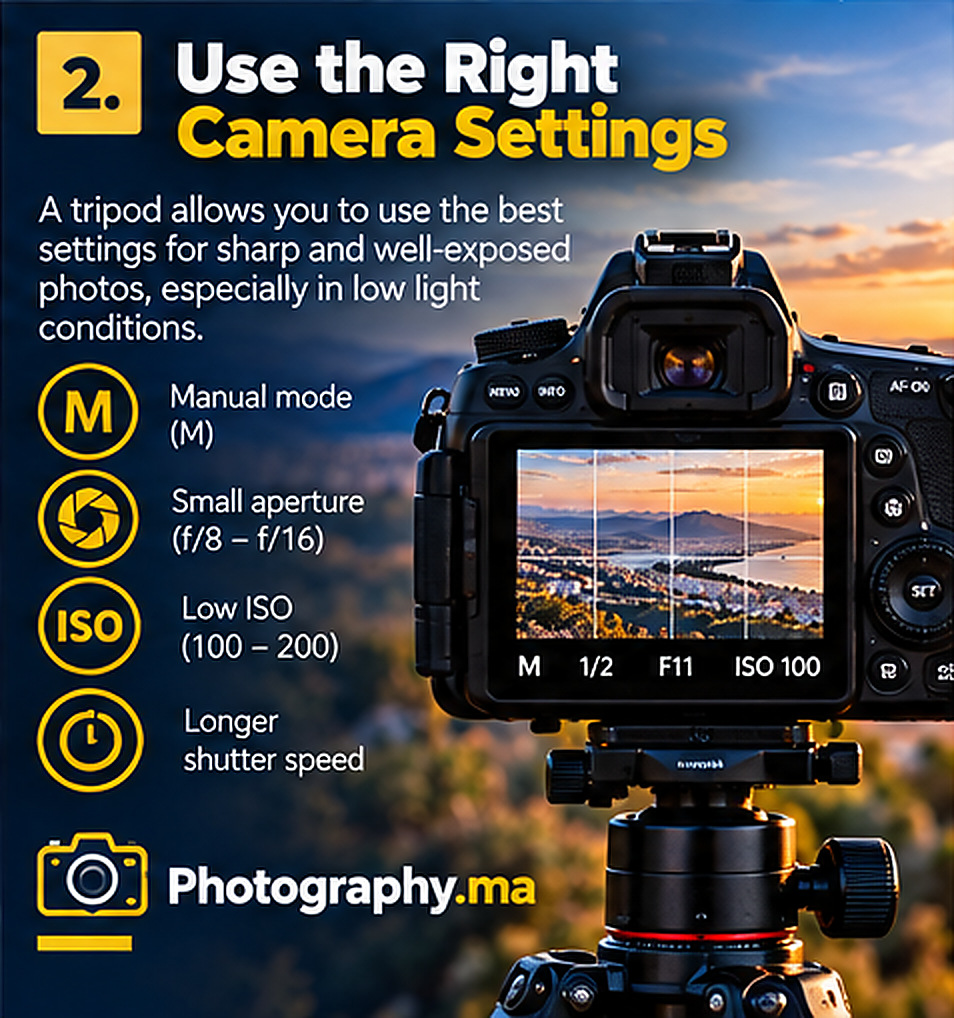
For a still landscape, Aperture Priority or Manual mode both work. Begin at a suitable low ISO and choose an aperture for the depth of field you need, often around f/5.6 to f/11 for many lenses. Let the shutter speed follow the available light. Those aperture values are starting points, not universal sharpness guarantees.
Use a two-second timer, a remote shutter release, or your camera’s app to avoid moving the setup when pressing the button. Some cameras have an electronic first-curtain shutter or exposure-delay mode that can reduce mechanical vibration. Consult the camera manual because shutter options and their limitations vary by model.
For a bright scene with moving water, you may need a neutral-density filter to obtain a long shutter speed without overexposure. Check the histogram and review a magnified image rather than judging sharpness from the small rear display.
Further reading: aperture guide.
Image Stabilization: Leave It On or Turn It Off?
There is no single rule for every camera and lens. Older stabilization systems could introduce blur when the camera was perfectly still on a tripod. Many modern systems detect tripod use or are designed to work with it. Follow the guidance for your exact equipment and test both settings when unsure.
For a practical test, make two otherwise identical frames with stabilization enabled and disabled, using a timer. Compare fine details at full magnification. Repeat at the shutter speeds you actually use. This approach is more reliable than copying a blanket setting from an unrelated camera model.
Focus Accurately Before the Exposure
A stable camera does not correct missed focus. For a landscape, focus on a suitable detail at the distance you want sharp, or use magnified live view for careful manual focus. Do not assume that turning the lens to its infinity stop always produces the best distant focus.
For close-up work, small movements of the subject or camera can shift the plane of focus. If you need more depth of field than one frame can provide, consider focus stacking for a stationary scene. Use the tripod to maintain consistent framing while changing the focus point between images.
Further reading: focus stacking tutorial.
Create Better Long-Exposure Photographs
Long exposure can turn flowing water into a smooth surface, transform traffic into light trails, or record moving clouds as streaks. The effect depends on shutter speed and subject movement. Start with a test exposure, review the motion, then lengthen or shorten the exposure intentionally.
On a tripod, begin with a timer and a solid composition. In daylight, an ND filter can reduce the amount of light reaching the sensor. At night, you may achieve several-second exposures without one. If your camera offers bulb mode, use a remote release for exposures longer than the normal shutter-speed range.
Do not confuse smooth water with a sharper photograph. The stationary rocks and buildings should remain clear while the moving elements blur by choice. If the entire frame looks soft, check the tripod, focus, wind, and shutter vibration.
Further reading: shutter speed guide.
Use Your Tripod for Composition, Not Just Stability
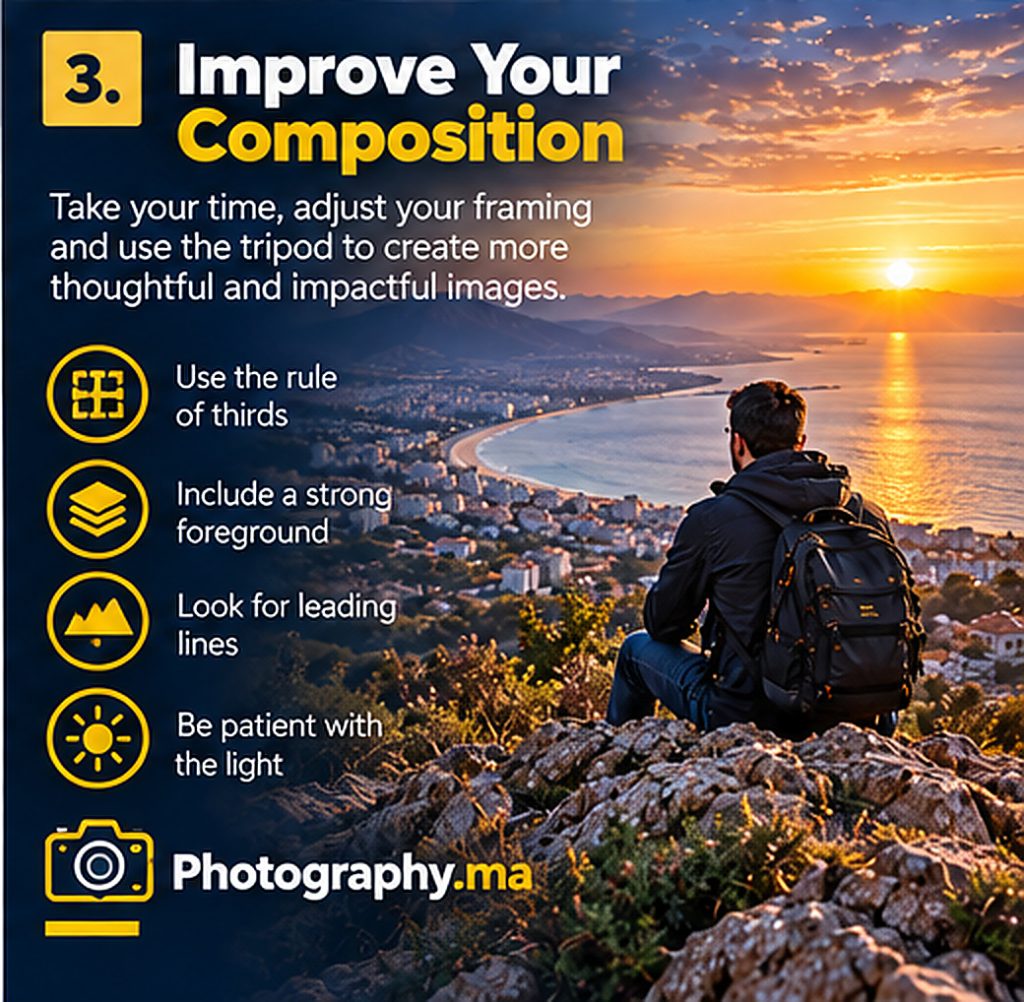
A tripod encourages deliberate framing. Before locking the head, inspect the corners and edges for distractions. Raise or lower the camera to control foreground overlap. A lower viewpoint may strengthen a leading line, while a higher viewpoint can reveal the shape of a road or shoreline.
Try the same scene in vertical and horizontal orientation. Recheck the horizon after rotating the camera, especially if the head has shifted. Keep enough space around important subjects and resist the urge to include every attractive element in one frame.
A tripod also makes it easy to compare a series of compositions without changing the camera position accidentally. That consistency is useful when learning how focal length, perspective, and framing interact.
Further reading: composition rules.
Tripod Photography With a Smartphone
A compact phone clamp and lightweight tripod can help with night mode, self-portraits, time-lapse, and consistent video framing. Choose a clamp that grips the phone securely without pressing side buttons. Confirm the legs are stable before stepping away.
Use the phone’s timer or a compatible remote to reduce movement. In Night mode, follow the on-screen instructions and avoid touching the phone during capture. Remember that a tripod will not freeze people walking through the frame; shorter exposures may work better when human subjects are central.
For travel, a small tabletop tripod may be enough if you can place it on a stable, permitted surface. Never attach a clamp to a railing or ledge where the phone could fall onto someone below.
Further reading: smartphone photography tips.
Common Tripod Mistakes Beginners Should Avoid
The first mistake is extending every section and the center column to maximum height even when a lower position would work. The second is leaving the head slightly loose, allowing the camera to sag after you frame the scene. The third is pressing the shutter button directly during a long exposure without a timer or remote.
Other problems include using a narrow stance in wind, failing to check the quick-release lock, forgetting that a long lens changes balance, and leaving a bag hanging where it can swing. Even with perfect support, a subject moving in the wind can appear blurred.
Finally, avoid placing tripod legs in bicycle lanes, crowded stairs, or fragile natural areas. A safe photograph is always more important than an ambitious viewpoint.
A 20-Minute Tripod Photography Practice Exercise
Choose a safe viewpoint with a stationary subject and some fine detail. Take one handheld photograph, then mount the camera on the tripod. Make another exposure with the same aperture, ISO, and shutter speed using a two-second timer. Compare the two images at high magnification.
Next, lower the tripod and make a third photograph. Look at how foreground objects and the horizon relationship change. Take a fourth photograph using a longer shutter speed if there is moving water, traffic, or foliage, and observe the difference between intentional motion blur and camera shake.
Finish by inspecting the quick-release plate, leg locks, and head position. Write down which change made the biggest improvement. Repeat the exercise at dusk, when stable support becomes especially valuable.
Tripod Photography FAQ
Do I need an expensive tripod? No. Start with one that safely supports your equipment and stays stable in the conditions you use. Should I turn off image stabilization? Follow your camera and lens instructions; systems differ. Can I use a tripod in wind? Sometimes, but lower the setup, protect it from gusts, and stop if conditions are unsafe.
Is a tripod necessary for sharp portraits? Not usually when the subject moves, although it helps with carefully composed studio setups. Can a tripod help with panoramas? Yes, especially when you want consistent framing and level horizons, but a tripod alone does not eliminate parallax errors.
Further reading: Nikon photography learning resources.
Final Thoughts
The best tripod photography tips for beginners are practical: secure the camera, keep the legs stable, choose settings for the subject, and use a timer or remote when vibration matters. A tripod expands your creative options, but it works only when you pay attention to focus, exposure, movement, and safety.Practice with one familiar scene and compare the results. As you learn when a tripod makes a meaningful difference, you will carry it with a purpose rather than treating it as an automatic requirement.
1 thought on “Tripod Photography Tips for Beginners: A Practical Guide”
Comments are closed.