
Product photography for beginners is about making an object easy to understand and attractive to look at. Whether you photograph handmade ceramics, clothing, skincare, accessories, or items for an online store, a clear image helps people judge shape, color, size, and texture. You do not need an expensive studio to begin. A window, a simple background, a stable camera, and careful attention to detail can already produce convincing results.
For product photography for beginners, the biggest improvement usually comes from controlling light and removing distractions, not buying a new lens. This practical guide explains how to plan a shoot, choose useful camera settings, build a small home setup, compose consistent images, and edit without changing how the product actually looks.
Table of Contents
1. Decide What Each Product Photo Must Show
Before touching your camera, decide what a shopper needs to see. A main listing image should communicate the product immediately: recognizable silhouette, accurate color, and a clean background. Supporting photographs can show materials, important details, the product in use, or its scale beside a familiar object. A decorative image can tell a story, but it should never replace the straightforward view that lets customers understand what they are buying.
Create a short shot list for every item: front view, three-quarter view, side or back, close-up of a feature, and one lifestyle image where appropriate. If the product comes in several colors, keep the camera angle and lighting consistent between variations. This makes the collection easier to compare and reduces reshooting later.
2. Build an Affordable Home Photography Setup
For product photography for beginners, a small table placed near a large window is enough for many projects. Use a white foam board, matte paper, or a seamless sheet as the background. Curve the paper gently from the wall onto the table to avoid a visible horizon line. A second white board on the shadow side reflects light back into the object, while a black card can deepen edges on pale or reflective products.
Add a tripod or another stable support, a microfiber cloth, removable adhesive for positioning small objects, and a few neutral props. Keep the workspace clean and leave room to move the camera. A consistent setup matters more than the number of accessories you own. Photographing five products under the same conditions is often more useful than building five completely different scenes.
3. Understand the Best Light for Product Photography
For a practical reference on photography techniques and lighting, consult Nikon Learn & Explore. Compare the examples with your own window-light test shots.
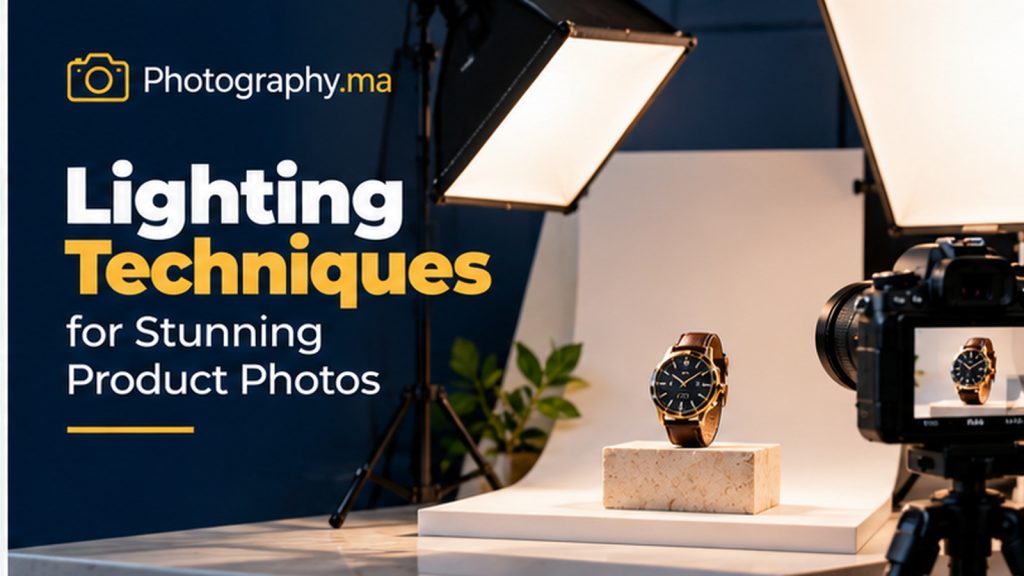
In product photography for beginners, soft directional light reveals form without producing distracting hard-edged shadows. Position the product beside a window and turn off mixed indoor lights that might add unwanted orange or green color casts. If the sunlight is harsh, hang a thin white curtain between the window and the subject. A reflector opposite the window helps control the contrast between the bright and dark sides.
Look closely at how light behaves on the actual material. Matte pottery benefits from gentle side lighting that reveals texture. Glass and polished metal show reflections of everything around them, so larger white cards and careful camera placement are often more effective than simply adding brightness. Move the light or the product a few centimeters at a time and compare the result.
4. Product Photography for Beginners: Camera Settings for Sharp Photos
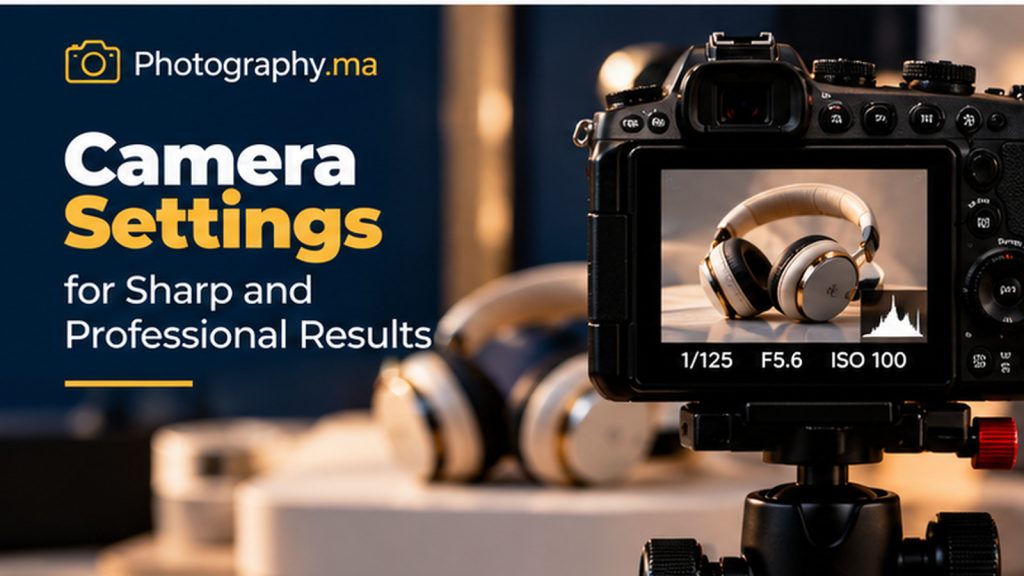
For a stationary product on a tripod, start with aperture priority or manual exposure, ISO 100 or the camera’s lowest normal native ISO, and an aperture around f/8. That is a useful starting point for many small tabletop scenes, not a universal rule. If the item is very small or the lens is close, you may need a smaller aperture or several focused frames to keep the whole object sharp.
With a tripod and an unmoving subject, shutter speed can be slow without causing camera shake, provided you use a self-timer or remote release. Handheld, choose a faster shutter speed appropriate to your focal length and stabilization. Check the histogram and highlight warning rather than trusting only the brightness of the rear screen. Bright white products should remain white, but not lose all texture to clipped highlights.
5. Choose the Right Lens and Shooting Distance
A standard zoom lens can make excellent product images. A focal length around 50–100mm on a full-frame camera is often comfortable for tabletop subjects because it avoids the exaggerated perspective that can appear when shooting very close with a wide-angle lens. On smaller sensors, use a focal length that gives a similar field of view and leaves you enough working distance.
A dedicated macro lens is valuable for jewelry, fine textures, labels, and small mechanical details, but it is not required for every item. Focus distance matters: moving closer reduces depth of field, even when the aperture number stays the same. For more control, move the camera slightly farther away and crop moderately, as long as your final image still has enough resolution.
6. Focus Precisely on the Most Important Detail
Choose a single autofocus point over the product’s key feature, or use manual focus with magnified live view for stationary objects. On a watch, the face usually matters; on a bag, the front panel and hardware; on a handmade mug, the rim and surface texture. Avoid letting automatic focus select a nearby prop or background decoration instead.
At close distances, even f/11 may not keep the entire product sharp. Focus stacking solves this by combining several images focused at different distances, ideally with a fixed camera and stable lighting. For beginners, first try a slightly greater shooting distance and an appropriate aperture. Add stacking only when you can identify a real depth-of-field problem.
7. Make Backgrounds Support the Product
For product photography for beginners, white and light gray backgrounds are versatile because they reduce visual competition and make color comparisons easier. A dark background can suit bright glass, jewelry, or metallic objects, but only when edges remain visible. Textured wood, fabric, or stone can add context to lifestyle images, provided the texture does not overpower the item.
Pay attention to the contact shadow beneath a product. Removing every shadow can make an object appear to float, while a soft natural shadow gives it weight. Keep the surface free of dust, fingerprints, crumbs, and wrinkles. It is much faster to clean the set before shooting than to remove dozens of tiny imperfections during editing.
8. Use Composition to Show Shape and Scale
The best camera angle depends on the object. A front-facing angle is useful for labels, packaging, and symmetrical designs. A three-quarter view shows depth and multiple surfaces. A flat lay works for stationery, clothing accessories, and coordinated sets. Eye-level views can make bottles, cups, and small devices look more substantial.
Leave intentional negative space around the item so it is not cramped in the frame. If the photo will be used on a website, consider whether the crop must work as a square thumbnail, a vertical product card, and a wide banner. Shoot a little wider than necessary and keep important features away from the edges. Consistency across a product catalog is more valuable than constantly changing composition for novelty.
9. Photograph Reflective, Glass, and Metallic Objects
Reflective products are challenging because the camera does not simply record the surface; it records what the surface reflects. A shiny bottle might mirror the window frame, the photographer, or a cluttered room. Place broad white cards near the product to create smooth highlight shapes, and use black cards when you want crisp dark edges that define its form.
Rotate the object and camera slowly until unwanted reflections disappear. For transparent glass, backlighting or side lighting can reveal the outline and contents. Avoid using direct on-camera flash, which often creates small, harsh highlights. A circular polarizer may reduce some nonmetallic reflections, but it cannot remove every reflection and generally does not eliminate reflections from bare metal.
10. Add Lifestyle Photos Without Losing Clarity
Lifestyle images help viewers imagine the product in a real setting. A handmade cup might appear on a breakfast table, a notebook beside a pen, or a backpack outdoors. Choose props that explain use or scale rather than props that merely fill empty space. Keep the product as the visual priority through placement, contrast, focus, or lighting.
Try a sequence that combines one clean catalog image with one carefully styled scene and one close-up detail. The catalog view answers “What is it?” The lifestyle view answers “How does it fit into my life?” The detail view answers “What makes it special?” Together, they communicate more than three nearly identical angles.
11. Get Better Results With a Smartphone
Modern smartphones can create excellent product photographs when light is controlled. Clean the lens, use the main camera when possible, and tap the important detail to set focus and exposure. Avoid excessive digital zoom. If the phone offers RAWcapture or manual controls, those features can help in difficult scenes, but a well-lit standard photo is often enough.
Use a small tripod and the timer to avoid movement. Move the phone farther from the object if the image looks distorted, then crop slightly. Turn off filters that oversaturate colors or exaggerate sharpening. Compare the photograph with the actual item under neutral light; a beautiful image is not useful for commerce if the product color is misleading.
12. Edit for Natural Color and Consistency
Begin editing with white balance, exposure, highlights, shadows, and crop. Straighten the frame and remove dust spots or sensor marks. Apply sharpening gently: oversharpened edges and exaggerated texture can make materials look artificial. If you photographed in RAW, you will usually have more flexibility when recovering highlights or correcting color casts.
Create a repeatable editing approach for the full catalog. Match background brightness, product scale, contrast, and color from one listing to another. Be especially careful with skin-tone-colored materials, textiles, and cosmetics, where inaccurate color can disappoint customers. Editing should make the product easier to inspect, not change its appearance or conceal important defects.
13. Prepare Images for an Online Store
Check the image requirements of the platform you plan to use. Some marketplaces have specific rules for backgrounds, borders, text overlays, or minimum image dimensions. For your own website, export images large enough to remain crisp on high-density screens, but compress them to avoid unnecessary page weight. JPEG is practical for most photographs; PNG is useful when transparency or graphics demand it.
Use descriptive filenames such as “handmade-blue-ceramic-mug-front.jpg” instead of camera-generated codes. Write alternative text that accurately describes the visible product and the purpose of the image. Do not stuff repetitive keywords into every ALT field. A good product page combines useful images with dimensions, materials, color information, and clear descriptions.
14. Common Product Photography Mistakes
One frequent mistake is mixing daylight with warm ceiling lights, which produces inconsistent color across the object. Another is placing a product too close to a wide-angle camera, exaggerating its shape. Beginners also tend to overdecorate the set, choose an aperture that leaves important details blurry, or let bright reflections hide the product’s texture.
Check the edges of the frame before every shot. Watch for crooked labels, fingerprints, tangled cords, distracting reflections, and awkwardly cut-off parts. Zoom in to inspect focus rather than judging from a small screen. If a photograph fails, change one variable at a time—light, angle, background, or camera setting—so you learn which adjustment actually helped.
15. A Simple 30-Minute Product Photography Workflow
Spend the first five minutes cleaning the object and arranging a simple background. Use the next five to position the window light and reflector. Then take a test image, check focus and exposure, and adjust the camera height until the product shape looks natural. Photograph the main front or three-quarter view first, followed by side, back, and detail images.
Use the remaining time for a lifestyle variation and a quick quality review. Before dismantling the setup, confirm that labels are readable, colors look realistic, important features are sharp, and you have at least one image suitable for a thumbnail crop. This small routine makes the process repeatable and helps beginners work faster without sacrificing care.
Frequently Asked Questions
**Do I need a professional camera for product photography?** No. A smartphone with good light, careful composition, and a stable support can produce useful product images. A dedicated camera becomes more helpful when you need interchangeable lenses, precise flash control, or detailed close-ups.
**What aperture is best for product photography?** Around f/8 is a reasonable starting point for many tripod-mounted tabletop photographs. The ideal setting depends on sensor size, lens, magnification, and how much of the object must be sharp.
**Should every product be photographed on white?** Not necessarily. White is a flexible choice for catalogs, but lifestyle images and some product categories benefit from other neutral or contextual backgrounds. Follow the rules of the marketplace where the image will appear.
**How do I avoid blurry product photos?** Stabilize the camera, focus on the key detail, use the timer, and check depth of field. If shooting handheld, increase shutter speed; if shooting very close, consider focus stacking.
Conclusion
Product photography for beginners is built from small, repeatable decisions. Start with a clean object, soft light, a simple background, and a camera position that shows the item honestly. Use sharp detail photographs to answer practical questions and lifestyle images to communicate context. As you practice, keep notes on the setups that work so you can reproduce them across an entire collection.
Your next exercise is simple: choose one ordinary object and photograph it three ways—a clean main image, a close-up detail, and a contextual lifestyle scene. Compare how each picture changes what the viewer understands. That experiment will teach you more about product photography than buying another accessory.