
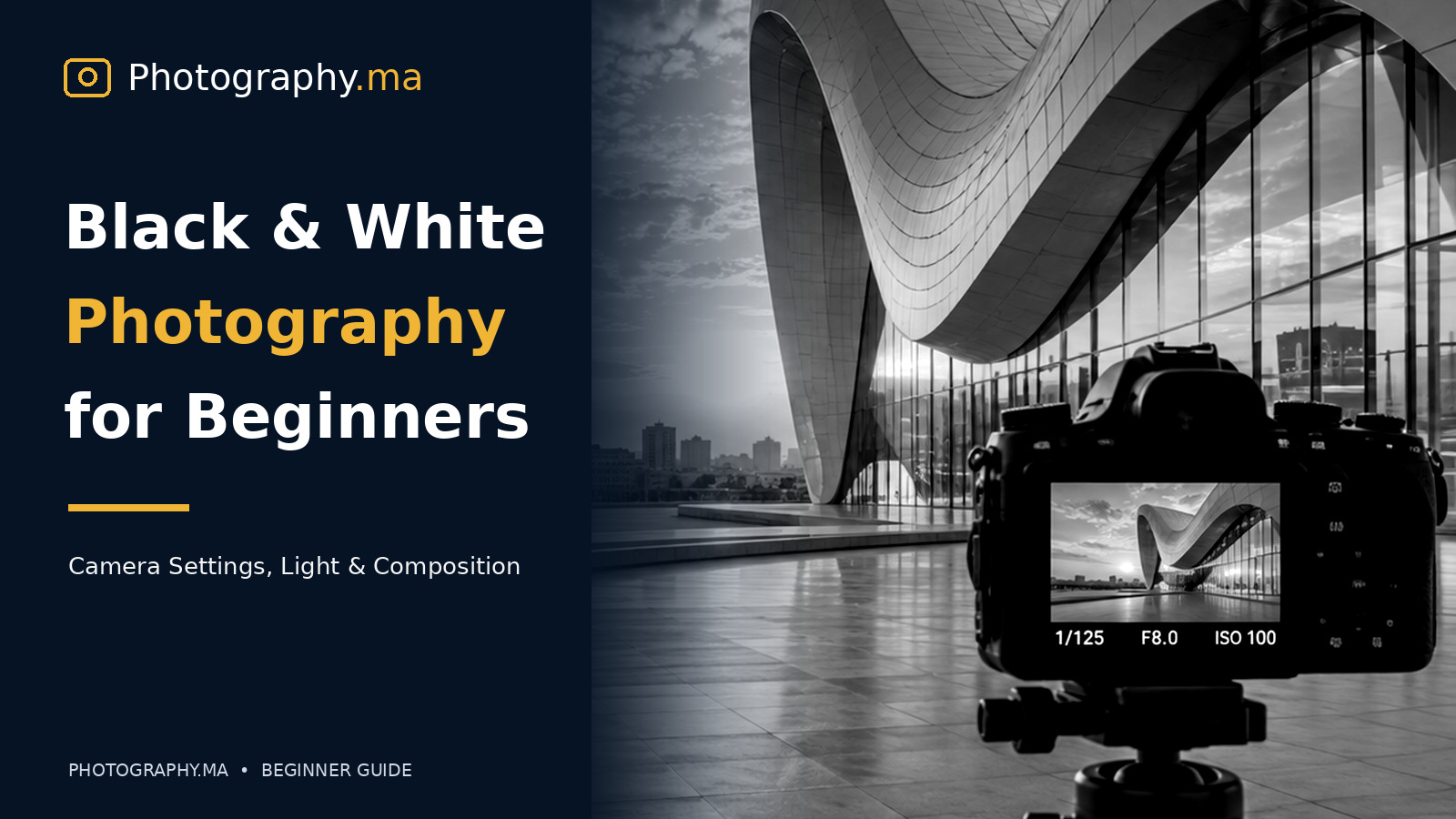
Black and white photography for beginners is one of the most rewarding ways to learn how light, contrast, and composition shape a photograph. You do not need an expensive camera or elaborate studio. You need a subject worth noticing and the patience to observe how its bright and dark areas work together.
Table of Contents
Why Black and White Photography Still Matters
Black and white photography for beginners is not simply color photography with the saturation slider turned down. Removing color changes how viewers read a picture: attention shifts toward light, shape, texture, gesture, and the relationships between bright and dark areas. A strong monochrome photograph is deliberately designed around those elements.
Color can help identify a subject, but it can also distract from an expression or an interesting pattern. In black and white, a weathered doorway, a rainy street, or a simple portrait can become visually powerful when the tonal structure is clear. The goal is not to make every photograph dramatic; it is to choose scenes whose visual message survives without color.
This guide explains how to recognize suitable subjects, set up your camera, control contrast, compose with intention, and edit files without destroying detail. You can follow it with a DSLR, mirrorless camera, or smartphone.
Black and White Photography for Beginners: Start With Light
Light is the most useful starting point because black and white images are built from differences in brightness. Before raising the camera, look for the direction of the light, the shape of the shadows, and the brightness of the background. Ask which part of the scene should be the first thing a viewer notices.
Side lighting creates dimension by illuminating one side of a subject while leaving the other in shadow. It works especially well for portraits, architecture, hands, and textured objects. Front lighting is gentler and can be useful when you want an even tonal range. Backlighting can turn people, trees, or buildings into graphic silhouettes.
Overcast weather is not automatically bad for monochrome. Soft light reveals subtle skin tones and details in pale subjects, while hard midday sunlight produces bold geometric shadows. Match the light to the mood rather than assuming one condition is always best.
Recognize Contrast, Midtones, and Tonal Range
Contrast is the difference between the light and dark portions of a photograph. High-contrast images have pronounced whites and blacks; low-contrast images contain more neighboring gray tones. Both approaches can work, but they communicate different feelings. Strong contrast often feels graphic or dramatic, while gentle contrast can feel quiet and atmospheric.
Do not judge an image only by whether it has deep blacks. Midtones carry information about faces, walls, clouds, and fabric. If every dark region is crushed to black or every bright region is blown out, important information may disappear. A useful habit is to look at the histogram and ask whether lost detail is intentional.
For practice, photograph one subject in three kinds of light: open shade, direct side light, and backlight. Compare the resulting shapes and tonal separation. This exercise develops a better eye faster than repeatedly applying presets.
Best Camera Settings for Black and White Photos
There is no single exposure recipe for every monochrome scene. Begin in aperture priority when the subject is stationary, then select the aperture according to the depth of field you need. Use around f/2.8 to f/4 for a portrait with a soft background, or f/8 to f/11 for architecture and landscapes where foreground-to-background detail matters.
Keep ISO as low as practical—often ISO 100 or 200 in daylight—but raise it when a faster shutter speed is necessary. A sharp photograph at ISO 1600 is usually more useful than a blurred image captured at ISO 100. For walking subjects, try 1/250 second or faster; for deliberate motion blur, experiment with slower exposures and stable support.
Watch the highlights. White shirts, bright windows, and clouds can clip quickly. Use exposure compensation when the camera meter is misled by an unusually bright or dark scene. Take a test frame, inspect the histogram, and adjust rather than trusting the screen brightness alone.
Shoot RAW and Use a Monochrome Preview
If your camera supports RAW, record RAW files while enabling a monochrome picture style or preview. The camera screen then shows a black and white interpretation that helps you judge shapes and tonal relationships. On many cameras, the RAW file still retains the underlying color information, giving you more control when editing later.
JPEG-only monochrome mode can be convenient, but it often commits the conversion and contrast choices at capture. If your camera offers RAW+JPEG, you can keep a convenient black and white preview alongside an editable RAW original. Smartphone photographers can use an app that saves RAW or a high-quality original where available.
Avoid assuming the camera preview represents the only possible conversion. The same blue sky can look pale or dark depending on how the color channels are mixed in post-processing. The preview is a creative guide, not the final authority.

Compose With Shape, Lines, and Negative Space
Without competing colors, shapes become easier to see. Search for triangles, circles, arches, repeating windows, strong horizons, and the outline of a person against a plain wall. Move a few steps left or right to separate overlapping objects and simplify the background.
Leading lines can direct the eye toward a subject, but they should serve the story. A road that disappears into fog suggests depth; diagonal shadows across stairs create rhythm; a lone figure in a wide blank space suggests scale or solitude. Negative space is not wasted space when it strengthens the subject.
Check the edges of the frame. A bright object near a corner may pull attention away from the main subject even if it is out of focus. In monochrome, small patches of brightness often attract more attention than large areas of midtone gray.
Use Texture to Give Ordinary Subjects Character
Black and white photography is especially effective with tactile surfaces: cracked paint, woven fabric, old stone, rain on glass, bark, or the lines in a person’s hands. Raking light—light arriving from a low side angle—reveals small shadows that make texture visible.
Try photographing a single object against a plain background. Use side light, fill the frame with a purposeful arrangement, and focus on the detail that makes the object distinctive. Keep the background simple enough that it does not compete with the texture.
Be selective with sharpening and clarity during editing. Excessive local contrast can make skin look harsh and natural textures appear artificial. The best result often comes from good light at capture, followed by restrained adjustments.
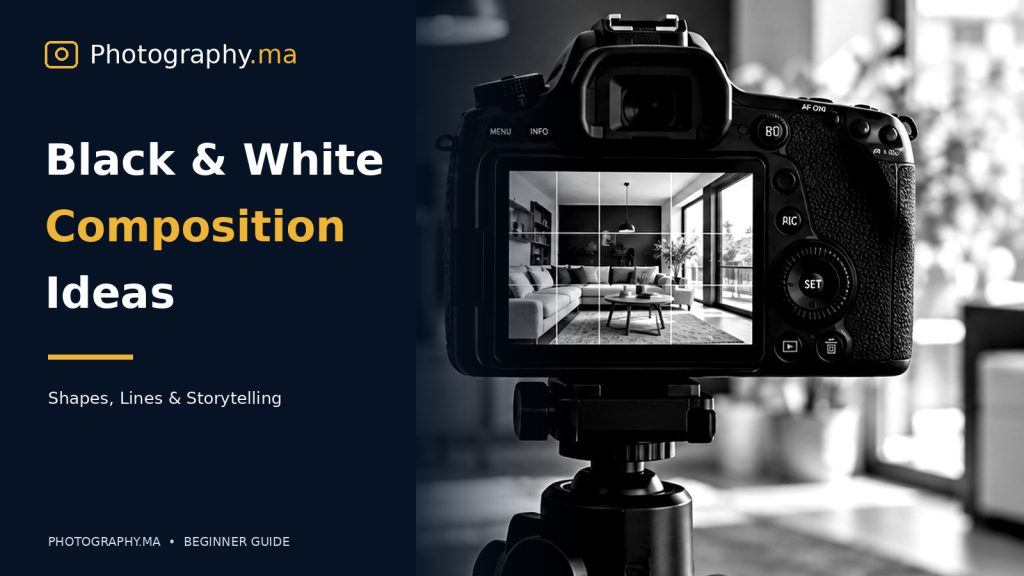
Photograph People in Black and White
Portraits work well in monochrome when expression and lighting carry the image. Position a person near a window, turn them slightly toward or away from the light, and observe how the face changes. You do not need expensive studio equipment; a curtain can diffuse strong daylight and a white wall can bounce light into shadows.
Choose a background that separates the outline of the hair and shoulders. A dark jacket against a dark wall may merge into one shape, while a slightly brighter background can create separation. Look for genuine gestures rather than asking every subject to pose rigidly.
Black and white does not automatically flatter every portrait. Pay attention to skin texture, shadows beneath the eyes, and highlights on the forehead. Gentle tonal transitions often work better than aggressive contrast.
Street and Travel Scenes: Look for a Story
In street photography, search for meaningful relationships between people, architecture, signs, weather, and light. A commuter crossing a sunlit patch of pavement or a cyclist passing through a patterned shadow can tell a complete story in one frame.
Choose a shutter speed appropriate to the action and pre-focus when the moment is predictable. Wait for a person to enter an interesting patch of light instead of chasing movement without a composition. A few seconds of patience can turn a cluttered scene into a clean one.
Be considerate when photographing people, and respect local rules and privacy. If you are close enough to interact, a friendly explanation or permission may be appropriate. Strong photographs do not require making anyone uncomfortable.
Landscapes, Architecture, and Dramatic Skies
Architecture offers repetition, perspective, and strong boundaries that translate naturally into black and white. Look upward for converging lines, shoot symmetrical facades from the center, or emphasize a single curved structure against a smooth sky.
For landscapes, build depth with a foreground element, a middle distance, and a background. Mist and rain can create beautiful layers of gray. In harsh sun, use shadows as part of the composition rather than trying to remove them.
A polarizing filter can change reflections and sky appearance in some conditions, but it is not essential. More important is choosing the angle and timing that create clear tonal separation between land, water, clouds, and buildings.
How to Edit Black and White Photos Naturally
Start by correcting exposure and white and black points while preserving useful detail. Then adjust contrast and the tone curve. A gentle S-shaped curve can add definition, but watch for lost detail in hair, dark clothing, clouds, and pale walls.
When converting a color RAW file, use the black and white mix or color-channel controls to adjust how individual colors translate into gray. Darkening the blue channel may deepen a sky, while changing the orange and red channels can affect skin tones. Make small adjustments and judge the complete photograph, not one isolated area.
Dodging and burning—selectively lightening and darkening parts of an image—can help guide attention. Brighten the subject subtly, darken distracting edges, and avoid obvious halos. Grain can add character, but heavy grain is not a substitute for a strong photograph. Export a high-quality file and inspect it at normal viewing size.
Common Black and White Photography Mistakes
The first mistake is converting an image that depends entirely on color contrast. Two differently colored objects may become almost the same shade of gray. Before editing, check whether the subject still separates from the background.
The second mistake is adding too much contrast. Completely black shadows and featureless white highlights can make a photograph feel flat rather than dramatic. Preserve the tonal detail that matters to the story.
The third mistake is ignoring the light because monochrome is considered forgiving. Good black and white images usually require more attention to brightness relationships, not less. Finally, avoid applying the same preset to every scene. A foggy landscape and a hard-lit street portrait rarely benefit from identical treatment.
A Simple Seven-Day Black and White Practice Plan
Day one: photograph five objects using only window light. Day two: search for geometric shadows outdoors. Day three: make portraits in open shade and beside a window. Day four: photograph textures from close range. Day five: compose a street scene with one clear subject. Day six: edit three RAW files with different tonal styles. Day seven: select your five strongest frames and explain why each works.
Keep the exercise small and repeatable. Review your images at full size and ask whether the eye moves to the intended subject. Compare several conversions of the same frame rather than producing dozens of unrelated edits. Over time, you will begin to see the world in light, shapes, and gray tones before pressing the shutter.
Black and White Photography FAQ
Is black and white photography easier than color photography? Not necessarily. It removes one variable but places greater emphasis on light, contrast, and composition. Beginners often find it a useful way to train their visual attention.
Should I shoot in black and white or convert later? Shooting RAW with a monochrome preview provides a helpful balance: you can compose in black and white while retaining flexible editing options.
What subjects work best? Portraits, architecture, textures, street scenes, landscapes with strong light, and minimalist still lifes are reliable starting points. Any subject can work if its brightness relationships are compelling.
Do I need a special camera or lens? No. Start with the equipment you already own. Light direction, timing, and careful framing have a greater effect than a specialized lens.
Final Thoughts
Black and white photography for beginners becomes easier when you stop thinking about removing color and start thinking about designing with light. Look for tonal separation, simplify the frame, and use shadows and textures deliberately. Then edit with restraint so the final image feels intentional rather than processed.
Take one familiar subject this week and photograph it in several kinds of light. The exercise will teach you more about monochrome storytelling than any one-click filter.
Explore related beginner lessons: aperture · shutter speed · ISO · composition rules · camera histogram · RAW versus JPEG · Adobe photography learning resources