
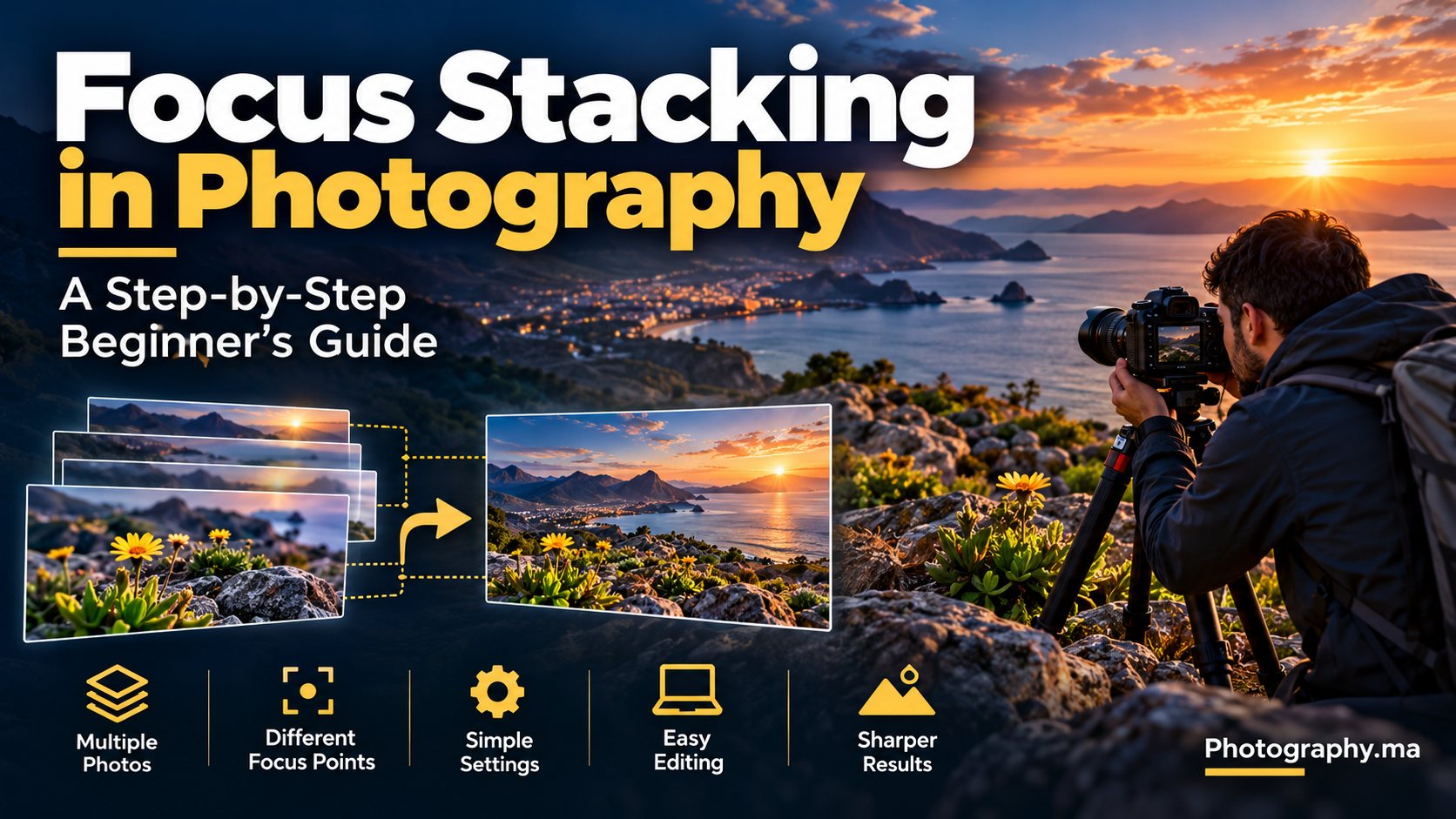
Focus stacking in photography combines several photographs focused at different distances into one image with a larger zone of sharp detail. It is especially useful for macro subjects and landscapes with a foreground close to the lens. Rather than relying on an extremely narrow aperture, you record the detail you need in separate frames and blend the sharp parts later.
You do not need an expensive specialist camera to learn the technique. A camera that allows controlled focus, a stable subject and software capable of aligning and blending images are enough to begin. The important skill is making a consistent sequence with no gaps in focus.
Table of Contents
What Focus Stacking in Photography Does—and What It Does Not
Every photograph has a limited depth of field: a range of distances that looks acceptably sharp. Focus stacking extends that apparent range by selecting sharp detail from several frames. It does not increase the resolution of a moving subject, repair missed focus everywhere or guarantee a perfect result when objects shift between exposures.
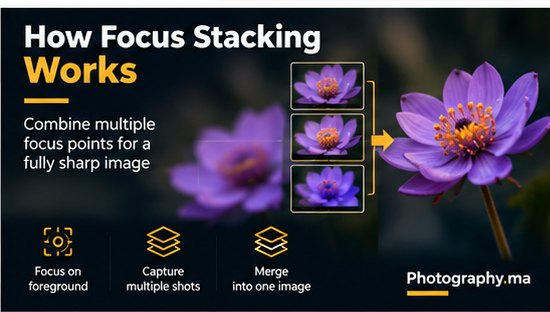
Imagine photographing a small flower at close range. In one shot, the nearest petal is sharp; in another, the stamens; in a third, the rear petals. Software can align those images and combine their sharp regions. A similar technique can help when a landscape includes rocks a few centimeters from the lens and mountains in the distance.
When Should You Use Focus Stacking?
- Macro photography: insects that remain still, flowers indoors, jewelry, watches and small objects with significant depth.
- Landscape photography: close foreground rocks or plants with a distant horizon when one exposure cannot keep both acceptably sharp.
- Product photography: small products that need consistent detail from front to back.
- Creative still life: tabletop scenes where you want precise control over the plane of sharpness.
Skip stacking when the scene is moving unpredictably, when a single exposure already has enough depth of field, or when speed matters more than perfect edge-to-edge sharpness. Waves, wind-blown leaves and living insects can produce blending artifacts.
Equipment: What You Actually Need
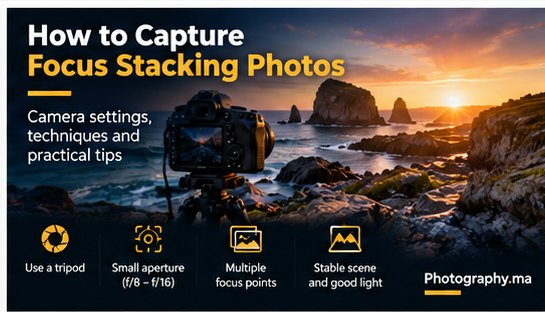
A tripod makes the process easier, particularly for landscape and macro work, but it is not mandatory for every scene. A camera with manual focus or reliable focus-point selection is essential. A remote release, self-timer or electronic shutter can reduce vibration, though electronic shutter can have limitations under certain lighting or movement.
For extreme macro work, a focusing rail can move the camera in small increments while maintaining lens focus. For a simple landscape, changing focus distance with the camera stationary is usually sufficient. Some cameras offer automated focus bracketing; check your specific camera manual for availability and behavior.
Software options include Adobe Photoshop, which can auto-align layers and auto-blend them, and dedicated stacking applications. Exact menu names and supported file types change with software versions, so confirm them in your installed version before beginning.
Camera Settings for Your First Focus Stack
Start in Manual exposure mode or another mode that holds exposure consistent across frames. Choose a moderate aperture such as f/5.6 or f/8 for a landscape, or an aperture that gives useful detail without severe diffraction for your macro setup. These are starting points, not universal rules.
- Use the same focal length, framing, white balance and exposure for every frame.
- Shoot RAW if your workflow supports it; otherwise use consistent JPEG settings.
- Choose a shutter speed that avoids shake and subject movement; raise ISO if needed rather than accepting motion blur.
- Turn off autofocus between shots if it unexpectedly changes the selected focus position.
- Avoid changing the aperture during the sequence because it changes both exposure and depth of field.
Image stabilization behavior on a tripod varies by camera and lens. Follow your manufacturer’s instructions rather than assuming it must always be switched off.
Step-by-Step: Capture a Three-to-Five-Frame Landscape Stack
Step 1 — Compose and stabilize. Put the camera on a tripod, choose your final framing and identify the nearest and farthest details that must be sharp. Do not move the camera after the first shot.
Step 2 — Set consistent exposure. Meter the scene, choose an aperture and check that highlights are not clipping unnecessarily. Keep exposure and white balance unchanged across the sequence.
Step 3 — Focus on the nearest important foreground. Magnify live view when available, confirm fine detail and take the first photograph.
Step 4 — Shift focus toward the middle distance. Use manual focus or a carefully selected focus point, then take another photograph. Do not change camera position or zoom.
Step 5 — Focus on the farthest important subject. Capture the background or horizon. If you see a large gap between sharp regions, add intermediate shots. Three frames are a learning exercise, not a fixed maximum.
Step 6 — Review the sequence. Zoom into the foreground, middle and background frames to confirm that every required distance is sharp somewhere. Reshoot immediately if the wind or camera movement spoiled a frame.
For complex scenes, make more overlapping frames rather than hoping software can invent missing detail. Overlap between sharp regions helps avoid visible seams.
Step-by-Step: Capture a Macro Focus Stack
For a close-up flower or stationary object, start with a solid tripod, controlled light and a background that will not move. At high magnification, depth of field may be extremely shallow, so you may need many more than three images. The number depends on magnification, aperture and the depth of the subject.
Choose the closest point that must be sharp, take a photograph, then advance focus by a small amount and repeat until the farthest important point has been captured. Use smaller steps when the sharp zone is very thin. If your camera has automatic focus bracketing, it can improve consistency, but review its output before packing up.
Watch for “focus breathing”: some lenses change magnification slightly as focus shifts. Alignment software may correct modest changes, but large differences and overlapping foreground edges can still create halos.
How to Combine Your Photos in Editing Software
The general workflow is the same across editors: import all frames, align them, blend the sharp regions, inspect artifacts and export the final image. Alignment compensates for small framing or magnification changes; blending decides which areas are sharpest.
In Adobe Photoshop, one common workflow is to load the source files as layers, select the layers, run Auto-Align Layers and then Auto-Blend Layers with the stacking option. Menu labels and results may vary by version. Review the resulting masks instead of assuming every edge is correct.
In dedicated software, choose the mode intended for focus stacking rather than exposure blending or panorama stitching. Save a layered or editable master when possible. Export a full-resolution file after checking the result at 100% and at normal viewing size.
Adobe Photoshop Help — blend images using focus stacking

Common Focus Stacking Problems and Fixes
- Halos around petals, hair or rocks: inspect layer masks; capture smaller focus steps and keep background movement to a minimum.
- Ghosting or doubled edges: remove frames affected by movement or blend problem areas manually.
- Soft bands between sharp regions: you probably skipped a focus distance; reshoot with more overlap.
- Uneven brightness or color: lock exposure and white balance during capture; synchronize RAW adjustments before blending.
- Unexpected changes in image size: lens focus breathing or camera movement may be involved; enable alignment and crop the edges afterward.
- Foreground sharp but distant detail soft: make sure the final frame actually focuses on the farthest important subject.
Focus Stacking vs a Narrow Aperture
A narrower aperture increases depth of field in a single frame, but extremely small apertures can reduce fine detail because of diffraction. Stacking offers another way to increase apparent sharpness without relying entirely on f/16 or f/22. It also introduces time, editing work and the risk of motion artifacts.
For a simple landscape with no close foreground, a single shot at f/8 may be entirely sufficient. If you are unsure, shoot a normal frame first, then capture a stack as an alternative. Compare the results at your intended output size rather than only at extreme magnification.
Read our Aperture in Photography guide for depth-of-field and diffraction basics
Explore Focal Length in Photography for framing and camera-position choices
See Landscape Photography Tips for Beginners for practical field technique
Learn Autofocus Modes Explained to choose where your camera focuses
A 15-Minute Practice Exercise
Place three small objects at different distances on a table. Keep the camera still, choose a moderate aperture and take one frame focused on each object. Import the three frames into your editor, align and blend them, and compare the composite with a single frame. Next, repeat with a larger distance between objects. Notice when three frames stop being enough.
For a second experiment, place a flower in front of a detailed background and take a sequence from front petals to rear petals. Try not to change framing. Inspect the composite around thin stems and petal edges; those areas reveal stacking mistakes quickly.
Frequently Asked Questions
How many photos do I need for focus stacking?
There is no universal number. A simple landscape might need two or three frames, while high-magnification macro work can require dozens or more. Use enough frames to overlap the sharp regions.
Can I do focus stacking without a tripod?
Sometimes, especially with fast bursts and automated bracketing, but alignment and subject movement become harder to manage. A tripod is the easiest starting point.
Does focus stacking work with moving subjects?
It can work with limited movement and careful retouching, but shifting petals, people or animals frequently create ghosting and seams.
Should I use f/22 instead of stacking?
Not automatically. A narrow aperture can be useful, but diffraction and slower shutter speeds may reduce detail. Test a single frame against a stack.
Is focus stacking the same as HDR?
No. Focus stacking combines different focus distances to extend apparent sharpness; HDR combines different exposures to represent a wider brightness range.
Final Takeaway
Focus stacking in photography works best when the subject is stable, the camera remains in position and every important distance is sharp in at least one frame. Start with three simple photographs, align and blend them, and inspect the result. Once you understand the workflow, you can tackle complex macro scenes and near-to-far landscapes with greater confidence.
3 thoughts on “Focus Stacking in Photography: A Step-by-Step Beginner’s Guide”
Comments are closed.