
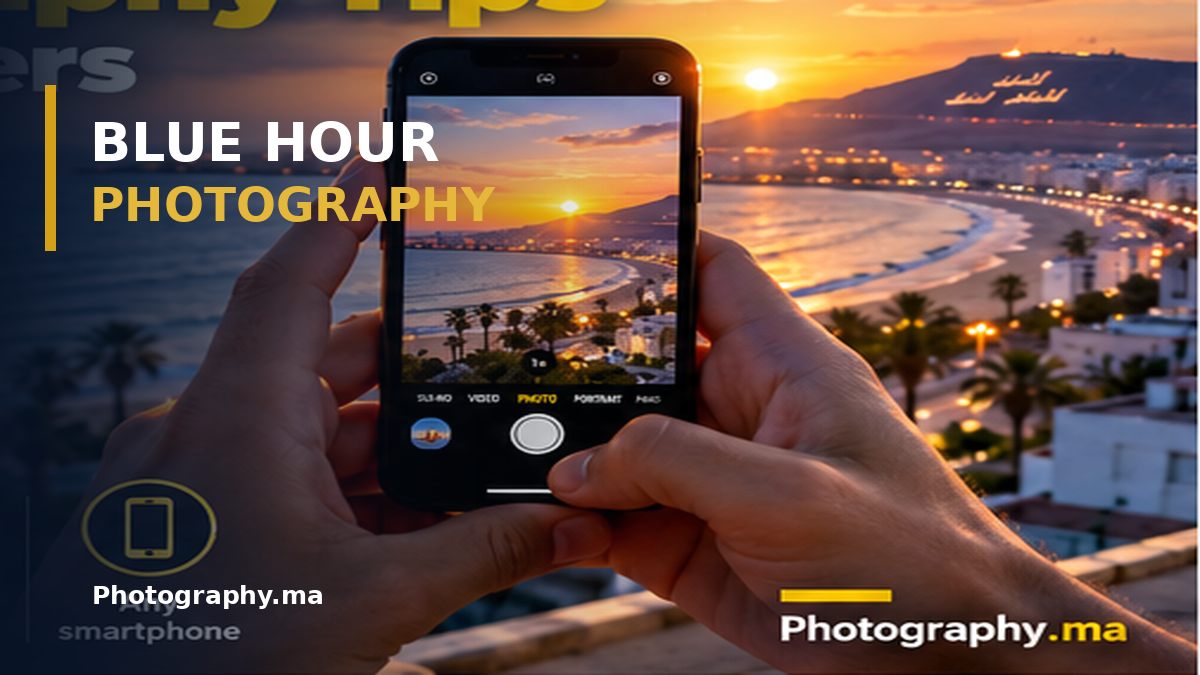
Blue hour photography is one of the most rewarding ways to photograph a city, coast, or landscape as daylight fades. The sky can turn deep blue while streetlights and windows glow warm, creating a striking contrast without elaborate equipment.
The challenge is that light changes rapidly. Camera settings that work at the start of twilight may produce blur or blown highlights only minutes later. This guide shows you how to plan, expose, focus, compose, and edit blue hour photographs with practical decisions instead of rigid recipes.
Table of Contents
What Is Blue Hour in Photography?
Blue hour is the period around twilight when the sky can appear deep blue while the landscape receives little direct sunlight. It happens shortly before sunrise and after sunset, although the exact look and duration depend on season, latitude, weather, and the direction you face. The name does not promise sixty minutes of blue light. In some places the most attractive balance between sky and artificial lights lasts only a few minutes.
Blue hour photography works because the remaining sky brightness can balance illuminated windows, street lamps, bridges, and vehicle lights. A fully dark sky often makes these highlights look harsh, while a brighter sunset sky can overpower them. Twilight gives you a middle ground: a luminous background, rich color, and enough contrast to create a clear subject.
Think of blue hour as a changing sequence, not one fixed setting. Take a photograph, review it, and adjust as the light falls. Your best frame may arrive ten minutes after the one you expected.
Blue Hour vs Golden Hour: Know the Difference
Golden hour usually refers to the warm, low-angle sunlight shortly after sunrise or before sunset. Blue hour occurs when the sun is below the horizon and the sky takes on cooler tones. Neither is automatically better. Golden hour emphasizes warm directional light and texture; blue hour is often stronger for skylines, illuminated architecture, reflections, and quiet urban scenes.
During the transition, warm street lighting against a cool sky creates useful color contrast. You can photograph both periods in one outing: begin before sunset, keep your composition, and make another frame every few minutes. The comparison teaches you more about changing light than memorizing a timetable.
Plan Your Blue Hour Photography Session
Arrive at least twenty to thirty minutes before the expected twilight window. Scout the scene while it is still bright enough to see trip hazards, evaluate your foreground, and identify the lights that will switch on. Look for a safe position where you can remain without blocking pedestrians or traffic. For coastal scenes, check tides and avoid exposed rocks when waves are unpredictable.
A weather forecast is useful, but clouds do not necessarily ruin the scene. Broken cloud can create dramatic layers; thick cloud may shorten the visible blue period. A clear western horizon after sunset can produce a brighter gradient, while photographing in the opposite direction may yield deeper blue earlier.
Choose one primary composition and one backup. If you spend the entire twilight window searching for a viewpoint, you may miss the best light. Make a test frame before the sky turns blue, then refine your framing and wait for the balance between the sky and city lights.
Blue Hour Camera Settings: A Practical Starting Point
For a stationary cityscape on a tripod, start with ISO 100 or the lowest suitable native ISO, an aperture around f/5.6 to f/8, and a shutter speed chosen by the meter and histogram. At the beginning of twilight, that may be a fraction of a second. Later it can become several seconds. The correct shutter speed depends on the actual scene, not on a universal blue hour recipe.
Use Aperture Priority if the brightness is changing quickly and you want the camera to adjust shutter speed. Switch to Manual when you need consistent frames for a panorama, exposure blend, or comparison series. On a tripod, turn off stabilization if your camera or lens manufacturer recommends doing so for that setup; modern systems vary.
For handheld photography, choose the shutter speed first: it must be fast enough for your focal length, your steadiness, and any moving subjects. Raise ISO when necessary rather than accepting an unintentionally blurred photograph. Image stabilization can help with camera shake, but it cannot freeze a walking person or moving vehicle.
A Simple Blue Hour Settings Table
Tripod and still skyline: Aperture Priority or Manual; f/5.6–f/8; low ISO; shutter speed as needed. Handheld street scene: Aperture Priority or Manual; f/2–f/4 if the lens permits; Auto ISO; a shutter speed fast enough for people and camera movement. Light trails: Manual; aperture and ISO adjusted for exposure; experiment with several-second exposures on a stable support. Waterfront reflections: choose shutter speed for the water texture you want, then balance aperture and ISO. These are starting points, not guaranteed exposures.
Check the histogram and highlight warning rather than judging the preview only by screen brightness. Bright lamps may clip even when the rest of the frame looks dark. Protect important illuminated details, but do not underexpose the entire photograph just to save tiny lamp cores that are naturally very bright.
How to Focus When the Light Is Fading
Autofocus may struggle with a featureless dark sky. Focus on a well-lit building edge, a high-contrast sign, or another subject at an appropriate distance. For a distant skyline, focus on the actual distant subject rather than assuming the infinity mark is perfectly calibrated.
If autofocus hunts, magnify Live View and focus manually on a clear edge. Check the result at high magnification, especially after zooming or moving the camera. A wide aperture can make small focusing errors more obvious; stopping down modestly may help when depth of field is needed.
If your composition includes a very close foreground and a distant skyline, a single frame may not hold both sharply. Try a different camera position, a narrower aperture within reason, or focus stacking when the scene is static. Our focus stacking guide explains the technique in detail. For a related technique, see our focus stacking guide.
Composition Ideas That Work at Blue Hour
Begin with a subject, not simply a colorful sky. A bridge, tower, boat, street corner, or silhouette gives the viewer somewhere to look. Use roads, railings, shorelines, or reflections to guide attention toward it. Leave enough space around bright lamps so they do not merge with important edges.
Reflections are especially effective because they repeat the warm–cool contrast. Wet pavement, still harbors, puddles, and glass can add visual depth. Move slightly left or right to separate overlapping lights. A small change in camera height often changes a reflection more than a new lens does.
Try both wide and tighter frames. A wide-angle view can establish context, but a normal or short telephoto lens may simplify distracting buildings and isolate patterns of lit windows. Blue hour photography benefits from restraint: remove clutter until the subject is unmistakable.
Photographing City Lights Without Blown Highlights
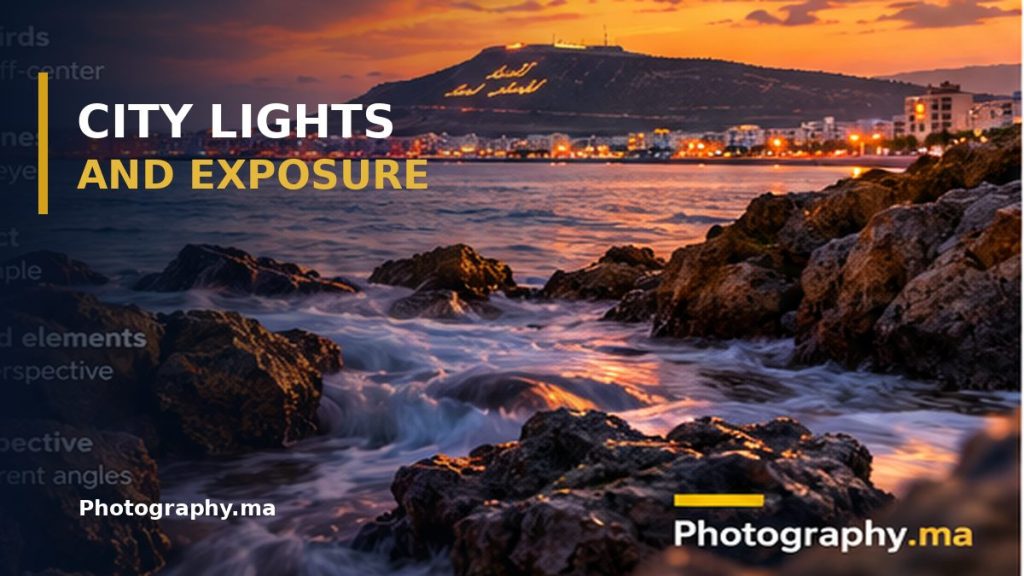
Streetlights and windows can be much brighter than the twilight sky. If you expose only for the sky, the lights may lose detail. If you expose for every bright lamp, the rest of the photograph may become too dark. Decide which highlights actually matter. A little clipping in tiny light sources can be acceptable, but a featureless white facade usually is not.
Use exposure compensation in Aperture Priority when the meter makes the scene too bright. In Manual mode, review the histogram and adjust shutter speed. If one exposure cannot preserve both important highlights and shadows, capture a bracketed series without moving the camera. Blend carefully later, aiming for a natural result rather than an exaggerated HDR effect.
Keep your lens front element clean. Salt spray, fingerprints, and condensation turn small bright lights into distracting halos. A microfiber cloth and lens hood can make a larger difference than aggressive editing. Read more about exposure compensation.
Blue Hour Photography With a Smartphone
A modern phone can produce excellent twilight photographs when you support it and keep the lens clean. Tap the main subject to focus, adjust exposure if the camera allows, and use Night mode only when the scene benefits from a longer capture. If people or cars are moving, a shorter exposure may give a better result than a bright but blurred Night mode image.
Use the main camera when possible; it often has better low-light performance than an ultra-wide or digital zoom. Brace your elbows, lean against a stable surface, or use a small tripod. Avoid pinching to zoom beyond the phone’s useful optical range if it produces soft results.
Many phones process skies aggressively. Check for unnatural saturation, smeared detail, and halos around buildings. When available, RAW or Pro mode can provide more control, but a clean JPEG or HEIF with a deliberate composition is often the better photograph. Explore our smartphone photography tips.
White Balance and RAW: Keep the Twilight Color
Auto white balance may neutralize the blue atmosphere or shift from one frame to the next. Try Daylight or a fixed Kelvin value as a consistent starting point, then adjust to taste. There is no single correct Kelvin number: the mix of cool sky, warm streetlights, and LED lighting differs from place to place.
RAW files usually allow greater flexibility when recovering shadows and fine-tuning white balance, although they cannot restore highlights that are fully clipped in the capture. If you shoot JPEG, pay extra attention to exposure and color in-camera.
In editing, keep the sky believable. Moderate noise reduction, selective highlight recovery, and a small contrast adjustment are often enough. Excessive blue saturation can make the photograph look artificial, and heavy shadow lifting can reveal noise that distracts from the subject. See our explanation of white balance.
Common Blue Hour Mistakes and How to Fix Them

Arriving too late: the sky has already turned black. Solution: scout early and start photographing before sunset ends. Using ISO 100 handheld at all costs: the shutter becomes too slow and the frame blurs. Solution: raise ISO or open the aperture when necessary. Using f/16 automatically: diffraction and long exposures can reduce sharpness without helping the composition. Solution: select aperture for the depth of field you actually need.
Trusting the LCD brightness: the preview looks bright even though the file is underexposed. Solution: use the histogram and inspect important details. Leaving autofocus on a dark blank area: the camera hunts. Solution: focus on a lit edge or magnify manual focus. Overprocessing the sky: the blue becomes electric and noisy. Solution: compare the edit with the original and reduce saturation.
Finally, do not ignore safety. A great photograph is not worth stepping into traffic, climbing an unstable wall, or approaching dangerous surf in fading light.
A 20-Minute Blue Hour Practice Exercise
Choose a safe viewpoint with a clear subject and a few artificial lights. Set up before sunset. First, make a baseline photograph while the sky is still relatively bright. Keep the camera position fixed. Take another photograph every two or three minutes, changing exposure as needed. Note how the relationship between sky brightness and illuminated windows changes.
Next, make one wide composition and one tighter version. If you have a tripod, compare a short exposure that preserves movement with a longer exposure that smooths water or turns traffic into light trails. If you are handheld, compare your camera’s Auto ISO choice with a deliberately faster shutter speed.
Back home, select the three photographs with the best sky-to-light balance. Compare sharpness, highlight detail, color, and clarity of subject. Write down which choice improved each frame. This small exercise builds judgment faster than chasing a perfect preset. For more general camera tutorials, browse Nikon photography learning resources.
Blue Hour Photography FAQ
Is blue hour exactly one hour? No. The term describes a twilight lighting effect, and its duration changes with geography, season, weather, and the scene. Do I need a tripod? No for every photograph, but it is useful for long exposures, low ISO cityscapes, and repeatable compositions. Can I photograph blue hour in the morning? Yes, before sunrise, often with quieter streets and fewer people.
Which lens is best? The lens that supports your subject and composition. Wide-angle lenses suit broad skylines; longer lenses can isolate illuminated details. Is blue hour good for portraits? It can be, especially when you balance the cool ambient light with a well-positioned warm light source. Keep the subject’s face bright enough and watch for mixed color casts.
Final Thoughts
Successful blue hour photography is less about a magic setting than about timing, exposure decisions, and a strong subject. Arrive early, watch the changing relationship between the sky and artificial lights, and choose shutter speed according to motion. Check focus and highlights before the light disappears.
Start with one location and one composition. Once you can recognize the best balance of sky and city lights, you can apply the same approach to harbors, architecture, landscapes, and street scenes.